Your dashboard
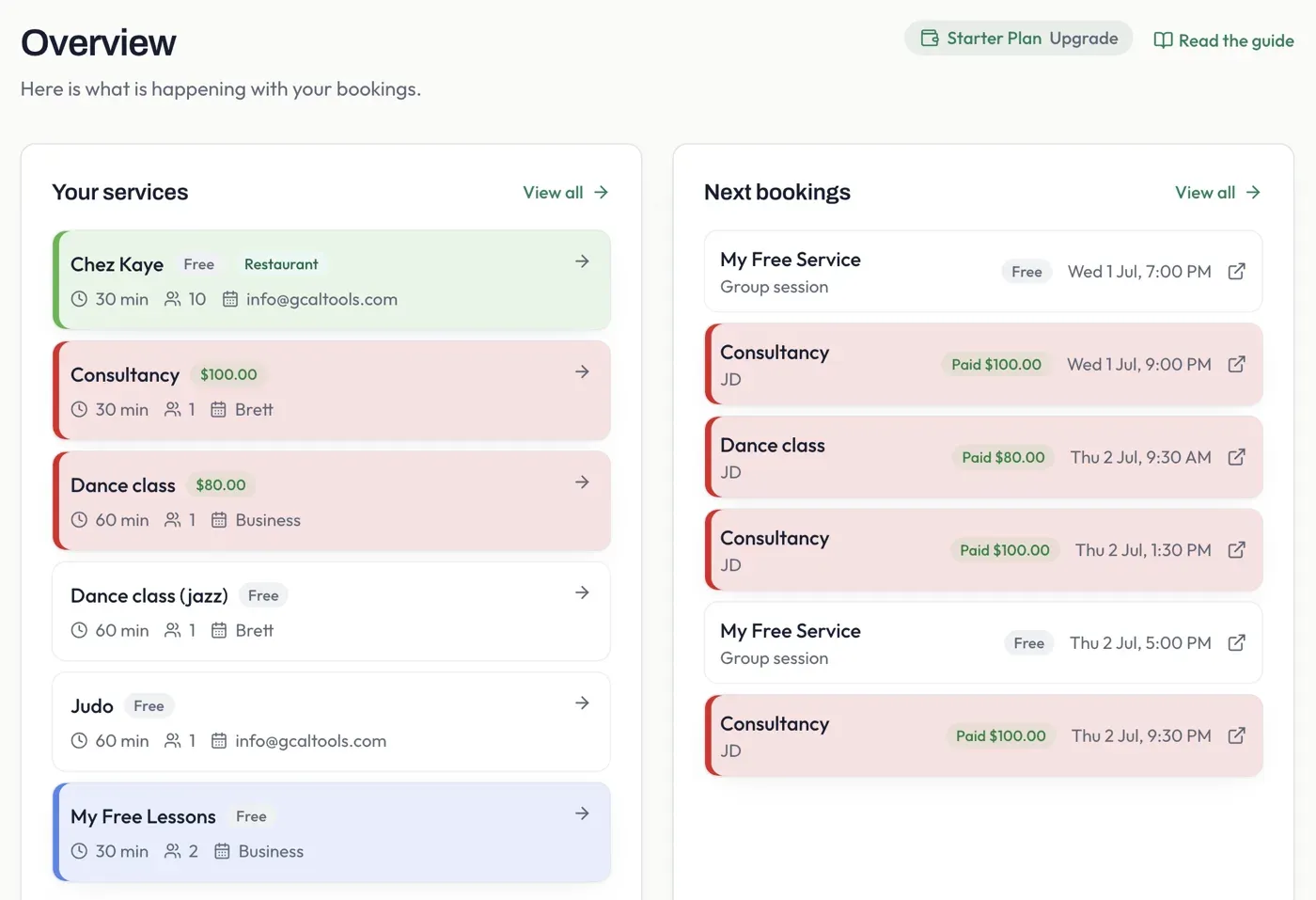
When you sign in, the Overview gives you a snapshot of your account: the services you offer and the bookings coming up next.
Getting started
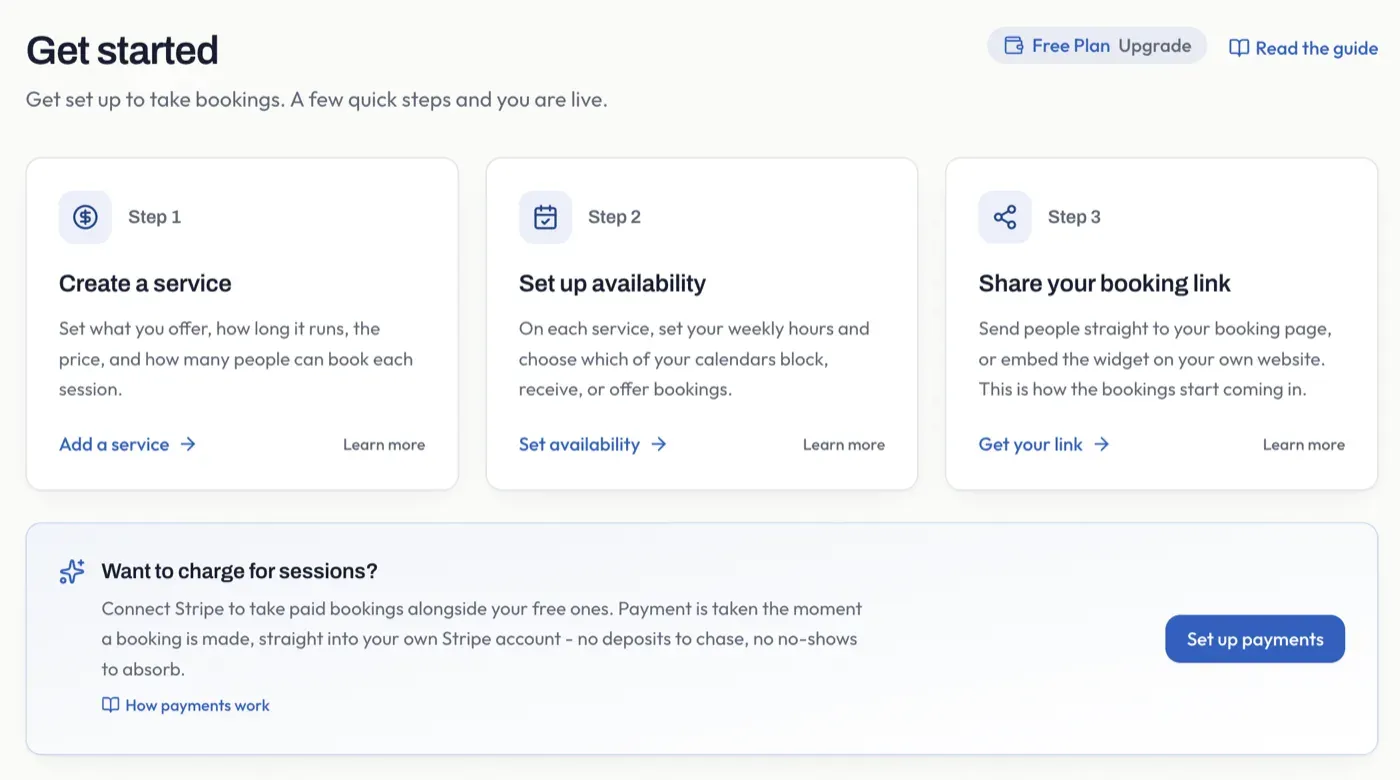
Section titled “Getting started”On a brand-new account the dashboard shows a Get started checklist instead - three quick steps to your first booking: create a service, set its availability, and share your booking link. Each step links straight to where you do it.
Once you have a service set up, the Overview switches to the two-column layout below - your services on the left, your next bookings on the right. Your current plan (with an Upgrade link) sits in the top corner.
Your services
Section titled “Your services”A shortcut to the services you offer, with their length, seats, and price (or a Free chip). Select View all to open the full Services page, where you create and manage the various services you offer.