The Team plan
The Team plan lets an organisation put several people on one shared setup. You buy a number of seats, invite colleagues with a private join link, approve them within your seat count, and route their company bookings through a single company Stripe account.
A seat lets a member offer company-billed services - fee-free and with no service cap, paid into the company account - so no one needs their own Stripe for team work. It does not upgrade a member’s own personal services, which stay on their personal plan. As the person who set the team up, you (the admin) get Pro-level limits on your own services too - unlimited paid services and no per-booking fee - for as long as the team is active.
You buy Team from the My account page: choose how many seats you need (minimum two) and you are taken to Stripe to pay. Seats are priced per month, with the rate dropping as you add more.
Company payments
Section titled “Company payments”Connect one Stripe account for the whole team. Every seat holder’s paid bookings are paid into this account, and you keep 100% of each payment with no platform fee.
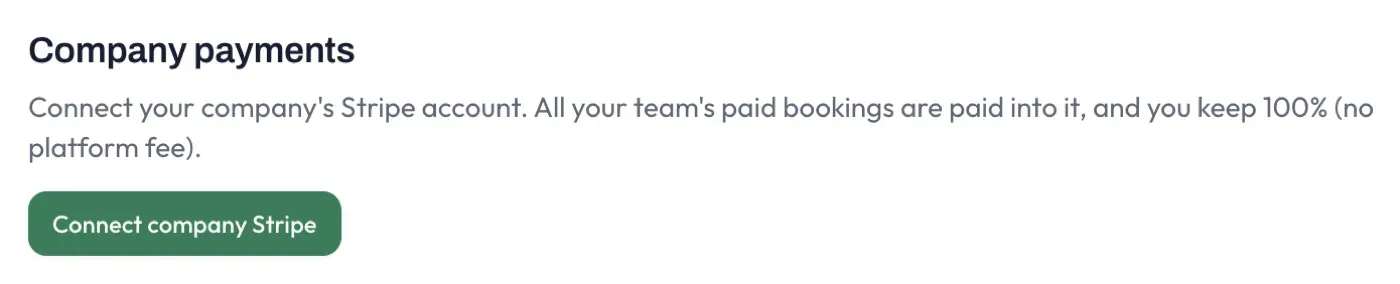
Using the company account is optional for each member, and chosen per service. Someone who already takes payments through their own Stripe keeps doing so unless they set a service to be paid into the company account. This means adding company Stripe never quietly redirects an established member’s earnings. See Company billing below.
Inviting people with the join link
Section titled “Inviting people with the join link”Share the join link with the people you want to add. They sign in with their work email to request a seat, and you approve them from the members list.
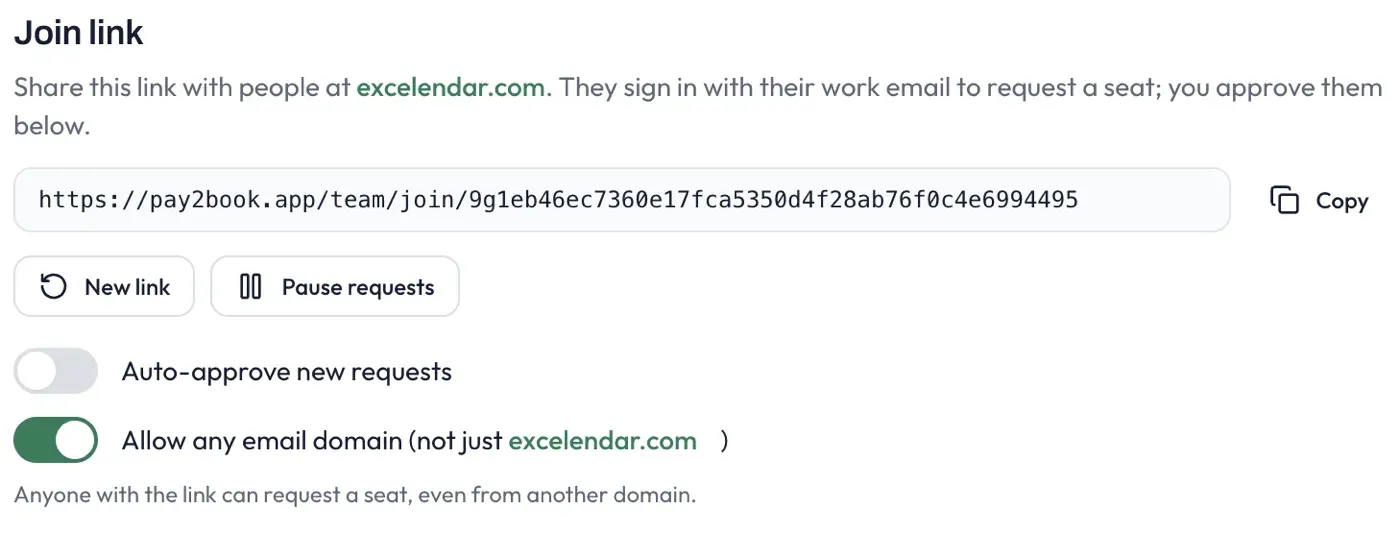
- Copy the link to send it out. New link replaces it, so any old copy stops working - useful if a link leaks.
- Pause requests stops new sign-ups without changing the link.
- Auto-approve new requests seats anyone who requests automatically, up to your seat count. Leave it off to review each request yourself.
- Allow any email domain accepts requests from any address. With it off, only people whose email matches your company domain can join, which keeps the link tighter.
Approving and managing members
Section titled “Approving and managing members”The Team members list shows everyone on the team and how many of your seats are used.
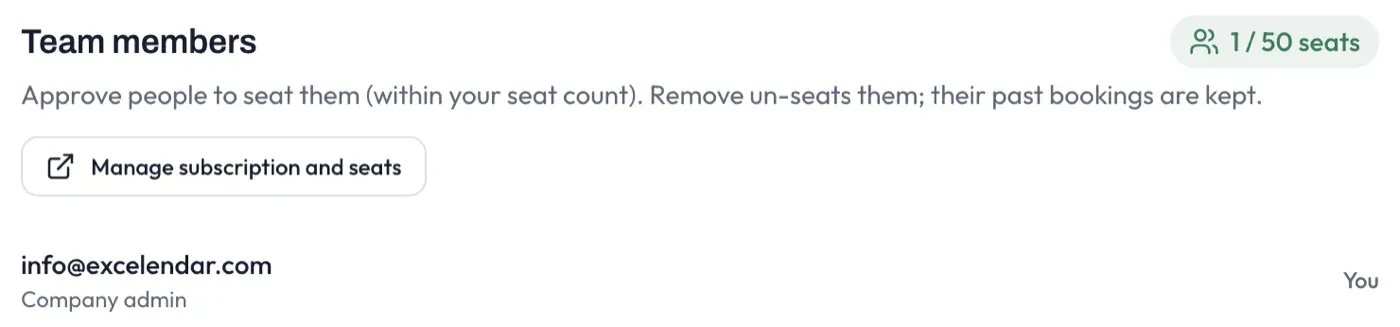
- Approve a pending request to seat that person (you cannot go over your seat count).
- Remove someone to free their seat. Their Team Services go offline but are not deleted, and their past bookings are kept - so removing a member never deletes booking history, and the person can still deliver or refund what they already had. A member can also leave the team themselves, with the same result.
- Manage subscription and seats opens Stripe’s billing portal, where you change how many seats you pay for, update the card, view invoices, or cancel.
Adding seats takes effect immediately and is prorated for the rest of the month. Reducing seats or cancelling takes effect at the end of the billing period you have paid for, so no one loses access to a seat you have already paid for.
Company billing for members
Section titled “Company billing for members”Only the team admin sets up the company Stripe account. Once it is connected, each seat holder chooses per service where its bookings are paid: their own Stripe account, or the company account. That choice is the service’s Paid into option.
To save setting it on every service, a member’s own Settings page has a Company billing control that picks which account new services default to:
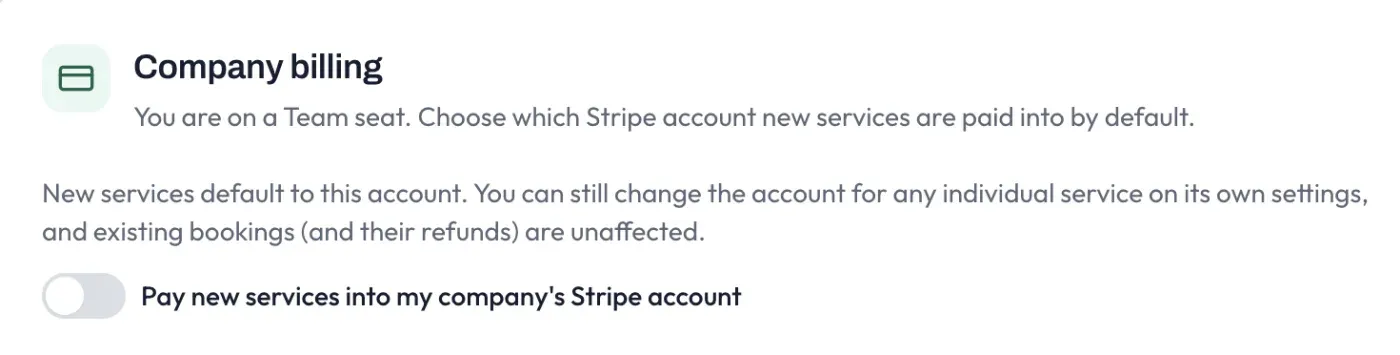
- Pay new services into my company’s Stripe account on - each new service starts set to the company account.
- Off (the default) - each new service starts set to the member’s own Stripe.
Either way it is only a default: you can change any individual service’s Paid into on its own settings, and existing bookings - and their refunds - are unaffected. So a member with their own Stripe never has established earnings switched for them automatically.
If the company account is disconnected, services set to it fall back to the member’s own Stripe (or to free bookings if they have none), so billing never points at an account that is no longer connected.
For how money flows on a team - the per-service Paid into choice, the company payments ledger, and how refunds and disputes work - see Team payments.